Microsoft Dynamics GP has been a trusted ERP solution for businesses for decades. It has helped organizations manage finances, purchasing, inventory, reporting, and other essential operations.
However, business technology is changing. Companies today need more flexibility, easier access to information, better integrations, and systems that can support future growth.
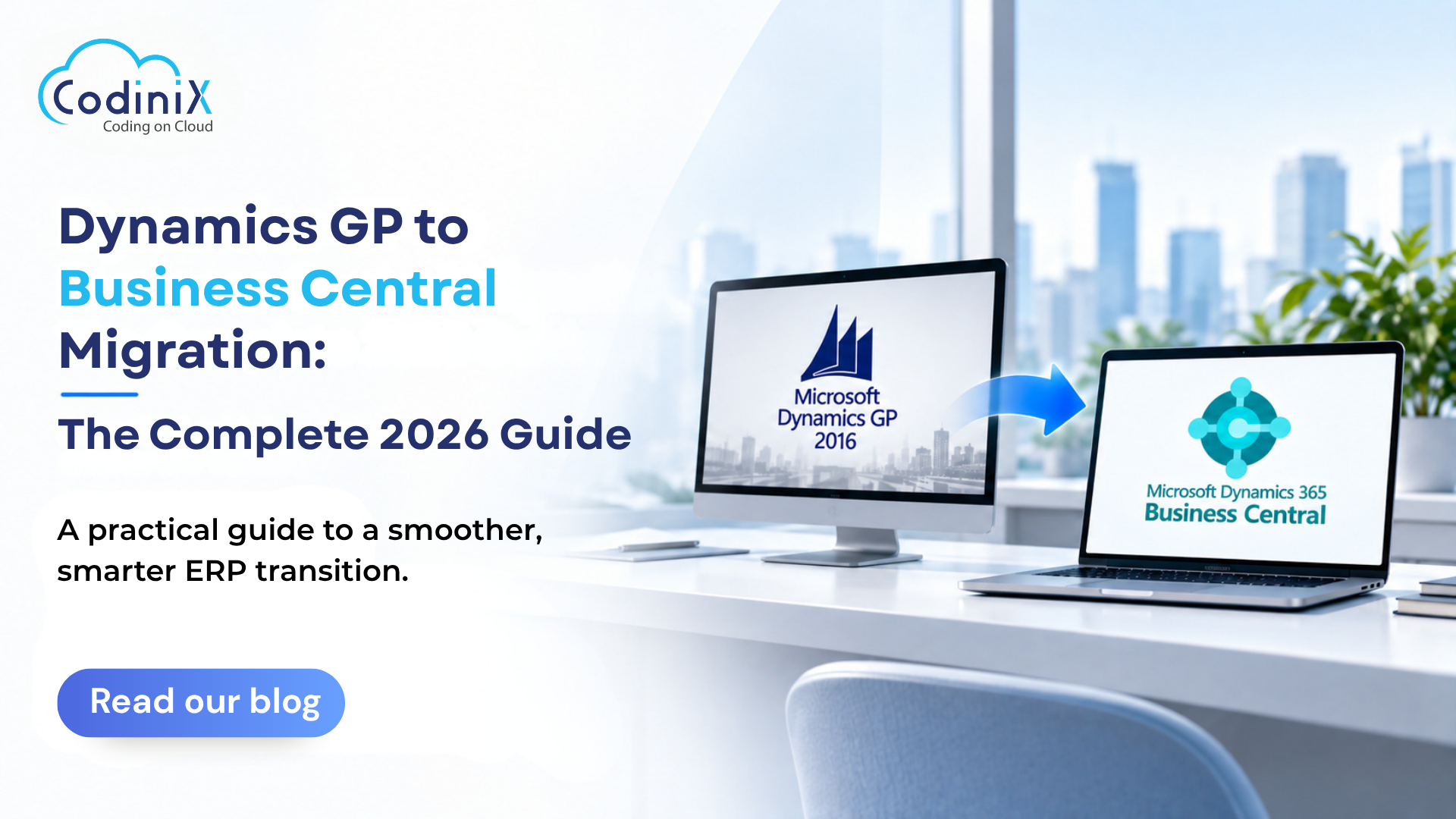
That is why many organizations are now exploring a Dynamics GP to Business Central migration.
If you are considering making the move in 2026, this guide explains why businesses are transitioning, what the migration process involves, and how to prepare for a successful move.
Why Move from Dynamics GP to Business Central?
For most businesses, the decision is not because Dynamics GP has stopped working.
The bigger question is whether the current ERP environment can support future business requirements.
Over time, organizations may face challenges with aging infrastructure, outdated customizations, disconnected applications, and increasing maintenance requirements.
At the same time, businesses are looking for cloud-based solutions that offer better accessibility, connectivity, and flexibility.
Microsoft's long-term roadmap for Dynamics GP also gives organizations an opportunity to start planning their future ERP strategy.
A migration does not need to happen overnight. In fact, starting early gives businesses more time to assess their current environment and create the right migration plan.
What Is Dynamics 365 Business Central?
Microsoft Dynamics 365 Business Central is a modern ERP and business management solution designed to support financial and operational processes.
It helps businesses manage:
- Financial operations
- Sales and purchasing
- Inventory
- Supply chain processes
- Projects
- Manufacturing
- Reporting and analytics
Business Central is designed as a cloud-first solution and connects with the wider Microsoft ecosystem.
For businesses moving from Dynamics GP, it provides an opportunity to move toward a more modern and connected ERP environment.
Dynamics GP vs Business Central
Business Central is not simply an upgraded version of Dynamics GP.
The two platforms work differently.
|
Dynamics GP
|
Business Central
|
|
Traditionally on-premises
|
Cloud-first
|
|
Requires infrastructure management
|
Reduced infrastructure management
|
|
Traditional upgrades
|
Regular updates
|
|
Legacy customizations
|
Modern extensions
|
|
Desktop-focused
|
Browser-based access
|
|
Separate integrations
|
Connected Microsoft ecosystem
|
Because of these differences, migration should not be treated as simply copying your existing GP system.
It is an opportunity to improve processes and remove outdated workflows.
Benefits of Moving to Business Central
1. Modern Cloud Technology
Business Central provides a modern platform designed for changing business requirements.
Businesses can reduce their dependency on traditional ERP infrastructure and focus more on improving operations.
2. Access from Anywhere
Teams today often work across different locations.
Business Central provides browser-based access, making it easier for authorized users to access business information when required.
3. Better Connectivity
Business Central connects with the broader Microsoft ecosystem and other business applications.
This can support:
- Better collaboration
- Automated workflows
- Improved reporting
- Connected business processes
4. Continuous Improvements
Traditional ERP upgrades can require significant time and planning.
Business Central follows a modern update model, helping businesses remain on an evolving platform.
5. Support Future Growth
As your business grows, your ERP requirements may change.
Business Central provides flexibility to support new users, companies, locations, and business processes.
How Does GP to Business Central Migration Work?
Every project is different, but most successful migrations follow a similar process.
1. Assess Your Current GP Environment
Start by understanding your existing system.
Review your:
- GP version
- Companies and modules
- Customizations
- Third-party applications
- Integrations
- Reports
- Data
This assessment helps identify what needs to move and what can be improved.
2. Decide What Data to Migrate
Not every piece of data needs to move.
Commonly migrated information includes:
- Customers
- Vendors
- Chart of accounts
- Items
- Account balances
- Open transactions
- Inventory data
Historical data should be reviewed based on your reporting and business requirements.
Some organizations need detailed history in Business Central, while others maintain older information separately.
3. Clean Your Data
Migration is a good opportunity to improve data quality.
Your current system may contain duplicate records, inactive customers, old vendors, obsolete inventory items, or unused accounts.
Moving unnecessary data into a new ERP system can create problems later.
Cleaning data before migration helps create a better starting point.
4. Review Customizations and Integrations
This is one of the most important stages.
Over time, Dynamics GP environments often accumulate customizations.
Before rebuilding everything, ask:
Do we still need this?
Each customization can be:
- Kept if it is still essential
- Replaced with Business Central functionality or an app
- Retired if it is no longer needed
- Redesigned if the business process needs improvement
The same approach should be used for integrations.
Review every system connected to GP and determine how it will work with Business Central.
Don't Try to Recreate GP Exactly
One of the biggest migration mistakes is trying to make Business Central look and work exactly like Dynamics GP.
Business Central is a different platform.
Instead of asking:
"How do we recreate this in Business Central?"
Ask:
"What business problem are we trying to solve?"
There may be a simpler and better way to achieve the same result.
Migration provides an opportunity to remove outdated processes and improve the way your business operates.
Configure, Migrate, and Test
Once the migration strategy is clear, Business Central needs to be configured based on your business requirements.
This may include financial setup, user roles, permissions, workflows, reporting, extensions, and integrations.
After configuration, the data can be migrated.
However, migration is not complete until the data has been validated.
Your team should review:
- General ledger balances
- Customer balances
- Vendor balances
- Inventory quantities
- Open transactions
Users should also test real business activities, such as processing invoices, creating orders, purchasing products, running reports, and completing month-end tasks.
Real-world testing is essential before go-live.
Train Your Users
A successful ERP migration depends on user adoption.
Business Central has a different interface and processes compared to Dynamics GP.
Users need training based on their roles and responsibilities.
Finance teams, purchasing teams, and inventory managers may all use the system differently.
Proper training can help employees feel confident and reduce problems after go-live.
Common Migration Challenges
Too Many Customizations
Years of custom development can increase complexity.
Solution: Review each customization before migration.
Poor Data Quality
Duplicate and outdated data can create unnecessary problems.
Solution: Clean your data before moving it.
Complex Integrations
Integrations are often critical to business operations.
Solution: Document and review every integration early.
Lack of Testing
Rushed testing can lead to problems after go-live.
Solution: Test real business processes before launching the new system.
How Codinix Can Help
At Codinix Technologies, we understand that a Dynamics GP to Business Central migration is more than moving data from one system to another.
It is an opportunity to modernize your ERP environment and prepare your business for the future.
We help businesses:
- Assess their Dynamics GP environment
- Review customizations and integrations
- Plan the migration strategy
- Prepare and migrate data
- Configure Business Central
- Validate and test the system
- Support users during the transition
Every business is different, which is why the migration strategy should be based on your specific requirements.
Final Thoughts
Dynamics GP has been a reliable ERP solution for many businesses. However, organizations also need to think about where their technology is heading.
The important question is not just:
"Is Dynamics GP working today?"
It is:
"Is our ERP strategy ready for the future?"
A move to Business Central can provide a more modern, flexible, and connected ERP environment.
The key is to plan early, understand your existing GP environment, review your data and customizations, and give users enough time to test and adapt.
With the right strategy and implementation partner, your Dynamics GP to Business Central migration can be a smooth step toward a more modern ERP platform.
Ready to Move from Dynamics GP to Business Central?
Codinix Technologies can help you assess your current Dynamics GP environment and plan a migration strategy that fits your business needs.
Get in touch with our team and start planning your journey to Microsoft Dynamics 365 Business Central.



























Leave Your Thoughts!!