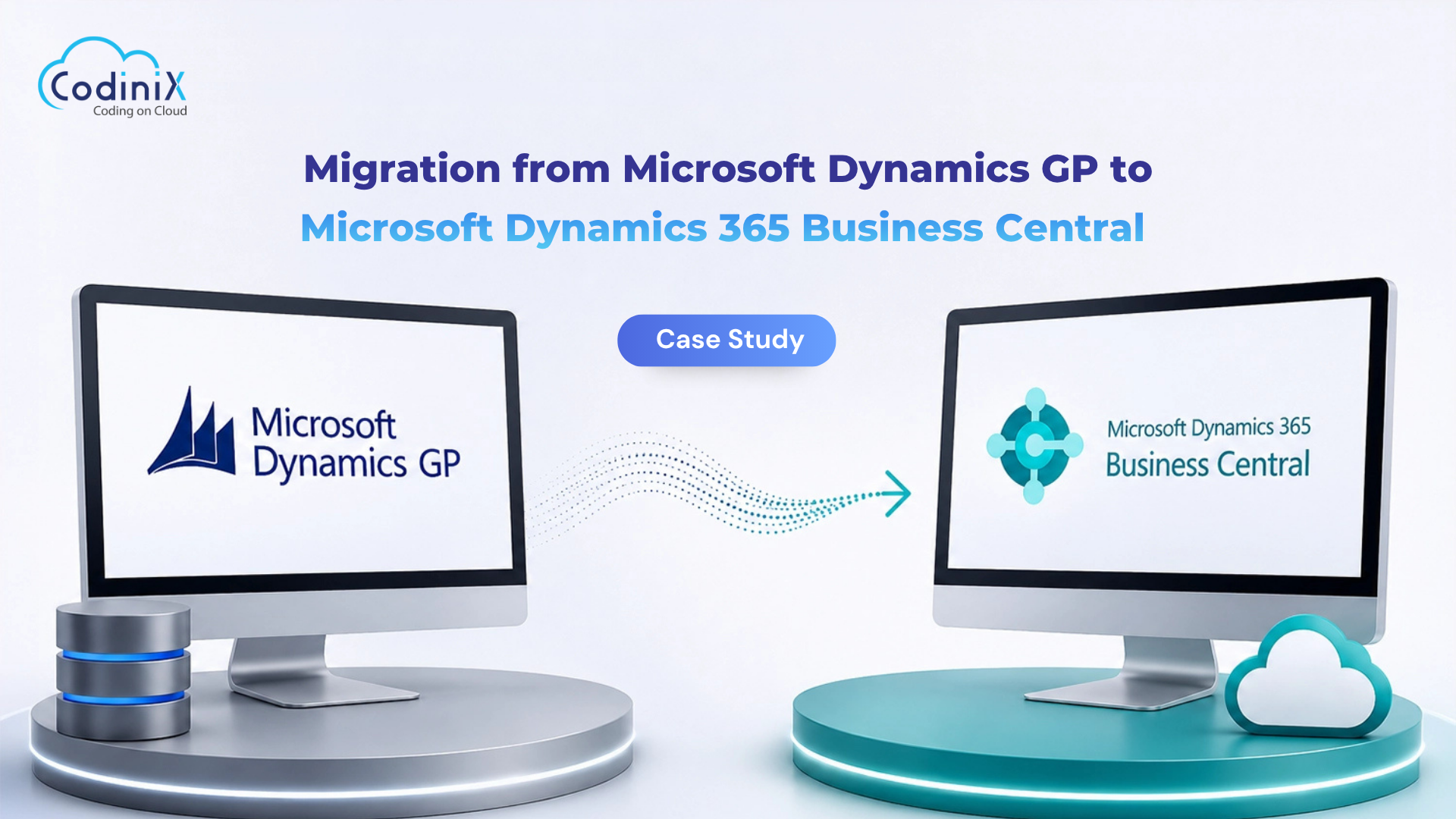
Migration from Microsoft Dynamics GP to Microsoft Dynamics 365 Business Central
Migration from Microsoft Dynamics GP to Microsoft Dynamics 365 Business Central
By Admin
08 Jul , 2026
Microsoft Dynamics
Overview
Our client is a technology solutions company that delivers product engineering and system integration services across industries including defense, aerospace, healthcare, and industrial automation. As the business expanded, their existing Microsoft Dynamics GP system could no longer keep up with growing operational needs. Working with Codinix Technologies, they sought a GP to BC migration to a modern, cloud-based ERP solution that could improve efficiency, simplify daily operations, and support future growth.
Business Challenge
The client had been using Microsoft Dynamics GP for many years, but over time the system started creating operational challenges.
As the business grew, managing higher transaction volumes, multiple business units, and complex engineering projects became increasingly difficult. Many financial and operational processes were still handled manually, which slowed down approvals, reporting, and everyday tasks while increasing the chances of human error.
Another major challenge was the lack of real-time business visibility. Teams had to rely on manually prepared reports to track financial performance, inventory, and project profitability, making it difficult for management to make quick business decisions.
Integrating Dynamics GP with modern applications such as Microsoft 365, CRM, project management tools, and reporting platforms also required custom development and ongoing maintenance. On top of that, maintaining on-premises infrastructure added extra IT costs and administrative effort.
The client wasn't simply looking to upgrade their ERP; they wanted to modernize their business operations with a scalable cloud solution.
Our Approach
We planned the migration in phases to ensure the transition was smooth and business operations continued without disruption.
The project began with a detailed assessment of the client's existing Dynamics GP environment, business processes, customizations, integrations, and reporting requirements. As Microsoft Dynamics GP Consultants, our team identified what needed to be migrated and how the new system should be configured.
Based on our findings, we created a migration roadmap that covered:
Business process review
Data migration planning
Business Central setup and configuration
System integrations
User training
Go-live planning
Post-implementation support
This structured approach helped us migrate every department with minimal downtime.
Technical Execution
ERP Assessment
We performed a complete review of the existing Dynamics GP environment, including financial modules, inventory management, procurement, project accounting, security roles, custom reports, integrations, and historical business data.
This helped us identify what needed to be migrated and how the new system should be configured.
Several validation checks were completed to ensure the data was accurate before go-live.
Business Central Configuration
Business Central was configured to match the client's business processes while introducing automation wherever possible.
The implementation included:
Financial Management
Procurement
Inventory Management
Approval Workflows
Budget Management
Project Accounting
Role-based Security
Department Dashboards
The goal was to improve efficiency without forcing users to completely change the way they worked.
System Integrations
To create a connected business environment, we integrated Business Central with the client's existing business applications, including:
Engineering applications
Project management tools
Microsoft 365
Power BI
CRM platform
Document management systems
These integrations reduced duplicate data entry and allowed information to flow smoothly across departments.
User Training
Technology adoption is just as important as implementation.
We conducted role-based training sessions, administrator workshops, knowledge transfer sessions, and provided user documentation. Our Business Central Consultants team supported the client during go-live and remained available after deployment to ensure a smooth transition.
Business Impact
Moving to Microsoft Dynamics 365 Business Central gave the client a modern ERP platform that improved both efficiency and visibility across the organization.
Improved Operational Efficiency
By automating finance, procurement, and inventory processes, the client reduced manual work and improved overall operational efficiency by approximately 35%.
Better Business Visibility
Management now has access to real-time financial reports, dashboards, and project performance data, helping them make faster and more informed business decisions.
Connected Business Processes
Integrating Business Central with existing systems removed data silos and improved collaboration between finance, engineering, procurement, and project teams.
Lower IT Costs
Migrating from an on-premises ERP system to Microsoft's cloud platform reduced infrastructure maintenance, software upgrades, and ongoing IT administration costs.
Stronger Security
Business Central provides built-in security features, automatic updates, role-based access, and better compliance controls, helping the client protect business-critical information.
Ready for Future Growth
The organization now has a scalable cloud ERP system that can easily support additional users, new business units, and future expansion without the limitations of its previous system.
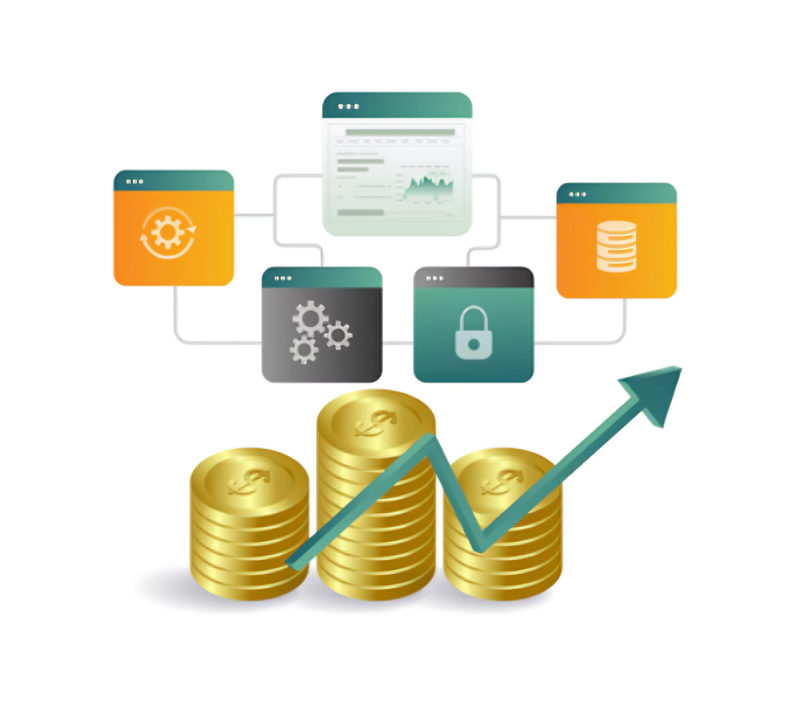
Scalable cloud-based ERP platform for future growth
Conclusion
By migrating from Microsoft Dynamics GP to Microsoft Dynamics 365 Business Central, the client successfully modernized its ERP environment and created a stronger foundation for future growth.
From planning and data migratio n to system configuration, integrations, and user training, every stage of the GP to Business Central implementation project was carefully executed by Codinix Technologies to ensure a smooth transition. Today, the client benefits from a modern cloud ERP solution that simplifies operations, improves business visibility, and supports long-term business growth.





























Leave Your Thoughts!!