Leaving Legacy Behind: Migrating from Dynamics GP to Microsoft Dynamics 365 Business Central
Leaving Legacy Behind: Migrating from Dynamics GP to Microsoft Dynamics 365 Business Central
By Admin
20 May , 2026
Microsoft Dynamics
When Your ERP Can No Longer Keep Up
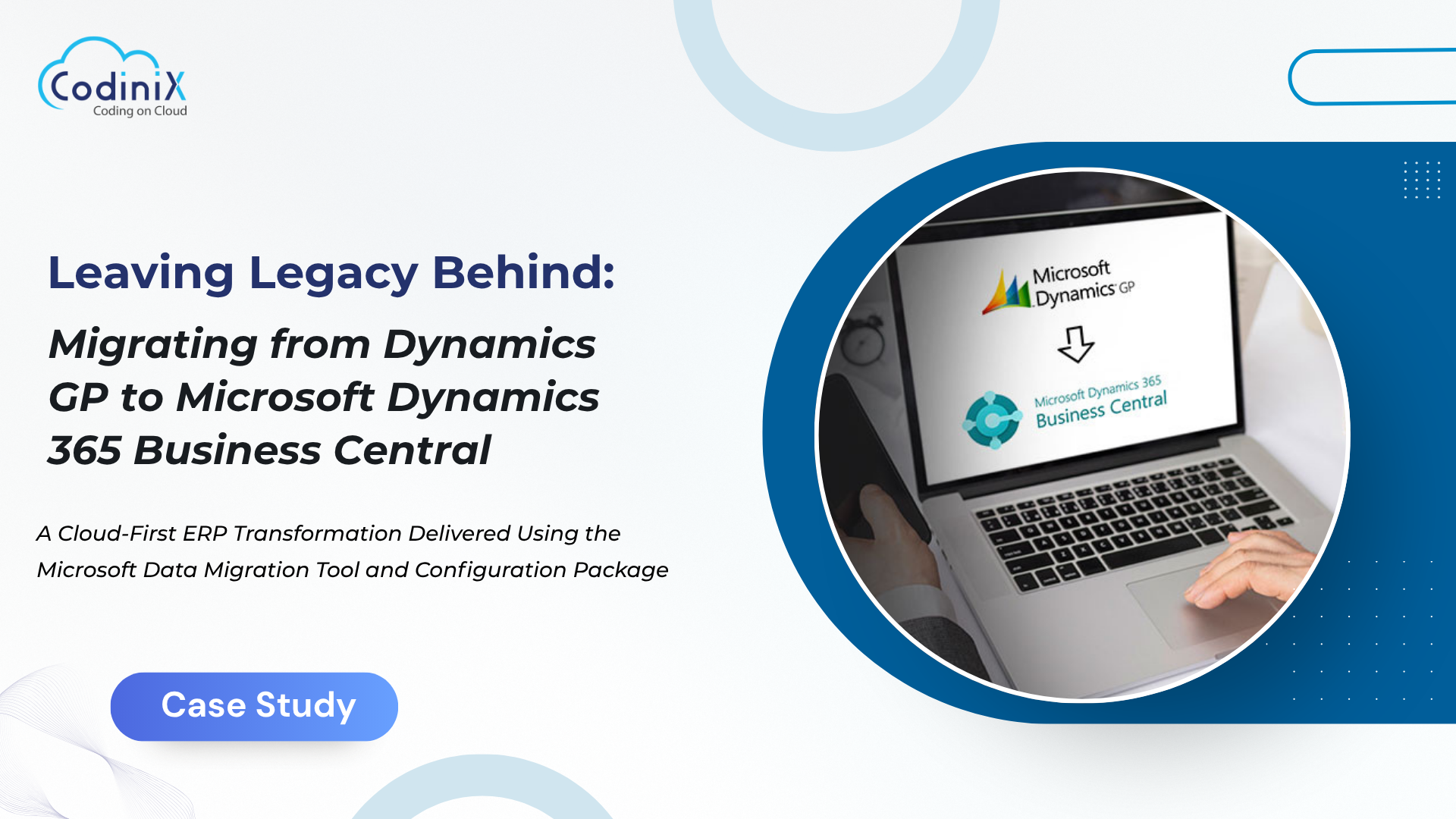
Every organization reaches a tipping point where the system that got them here is no longer the system that will take them forward. For this client, that moment meant stepping away from a long-standing Microsoft Dynamics GP environment and making the move to Microsoft Dynamics 365 Business Central SaaS, a modern, cloud-first ERP platform built for scale, flexibility, and the future.
The migration covered more than a decade of business data, including master records, open transactions, opening balances, and five full years of detailed general ledger history. Executed by our team using Microsoft's native Data Migration Extension alongside Configuration Packages, this was a structured, fully supported migration designed to minimize risk and deliver value from day one.
The Challenge: Moving Years of Complex Financial Data Without Losing a Thing
Migrating from GP to Business Central is not a simple lift-and-shift. The data structures differ, the logic differs, and the stakes are high. Any gap in migrated data means gaps in reporting, reconciliation headaches, and a finance team that cannot trust their new system.
The scope of this engagement made the challenge clear from the start:
The client needed all master data carried across cleanly, including Chart of Accounts, Customers, Vendors, Items, Bank Accounts, and Dimensions, each formatted and validated to Business Central standards.
Open accounts receivable and accounts payable transactions had to come across accurately, since any discrepancy would affect vendor and customer balances from day one.
Five years of detailed general ledger history needed to be migrated and available for reporting, not just summarized balances but full transaction-level detail.
Custom GP code, add-on solutions, and legacy reports were not carried by the migration tool, meaning those gaps required a separate, deliberate plan.
As trusted Microsoft Dynamics GP Consultants, our team understood that a migration of this scope demands meticulous preparation, a proven methodology, and rigorous validation at every stage.
The Approach: Structured, Repeatable, and Fully Documented
Step 1: Prepare and Clean the GP Data
Before a single record was moved, Our team ran GP Check Links to identify and resolve data inconsistencies in the source system. Inactive vendors, customers, and old Chart of Accounts segments were cleaned. Fiscal periods and currency setup were aligned with Business Central requirements. GP Migration Company settings were configured, and decimal precision for Unit Cost in BC was adjusted to correctly support Purchase Order and Sales Order data during import.
Garbage in, garbage out is a real risk in ERP migrations. Our team's preparation phase made sure the source data was in the best possible shape before the migration tool was ever run.
Step 2: Run the Migration Wizard
With the GP environment prepared, Our team selected all required data entities within Microsoft's Data Migration Extension. The tool connected directly to the GP SQL database via an on-premises data gateway runtime connection, extracted data from GP, applied the necessary transformations, and loaded records into Business Central. Migration logs were reviewed for every data entity to confirm completeness and accuracy. Certain Job Queue entries were run manually to ensure historical data populated correctly in BC.
Step 3: Map and Transform the Data
Data mapping required careful attention across every category. Chart of Accounts segments from GP were mapped to Business Central accounts, with applicable segments converted to Dimensions. Customer and vendor records were realigned to BC numbering series and data validation formats. Inventory items required UOM and costing method adjustments before they could post cleanly in the new environment.
This is where the expertise of seasoned Microsoft Dynamics GP Service Providers made the difference. Knowing where GP and Business Central diverge, and how to bridge those gaps without data loss, is not something that can be improvised.
Step 4: Migrate Opening Balances, Open Transactions, and Historical Data
General ledger balances were migrated as delta data per month and per dimension using the Migration Tool, with Statistical Account balances posted separately via the Statistical Account Journal. Open AR and AP transactions were brought across via the tool and validated against Business Central's Aged Receivables and Aged Payables reports respectively.
For the five years of detailed G/L history, Our team used a controlled Configuration Package process: a BC G/L data template was built to match the client's Dimension structure, detailed data was extracted from GP, converted to match the BC template format, uploaded via Configuration Package, and then validated and posted. Fixed Assets and Budgets were also migrated via Configuration Package with manual mapping to ensure full data control.
Step 5: Validate in Business Central
No migration is complete without thorough validation. Our team verified migrated G/L balances, customer and vendor records, and open AR and AP transactions using standard Business Central reports and Financial Reports, including AR and AP Ageing, Trial Balance, Balance Sheet, and Income Statement. Only once every report reconciled correctly was the migration considered complete.
As a provider of reliable MS Dynamics GP Services, our team ensured every migrated data set was verified against source data before sign-off.
Limitations Addressed Proactively
Our team identified and managed the known limitations of the Microsoft Data Migration Tool throughout the engagement:
G/L History Detail: The tool migrates monthly delta G/L balances per dimension rather than line-by-line transaction history in standard BC tables. Full detail is stored in Hist. prefixed tables, and five years of transaction-level detail were additionally uploaded via Configuration Package.
GP Customizations and Add-Ons: Custom GP fields, add-on modules, and third-party integrations are outside the migration tool's scope. These were addressed through separate BC extensions and data packages as part of the broader implementation plan.
Non-Inventory Items: Special item types require careful setup in BC to avoid posting errors. Posting groups and item number field lengths were reviewed and corrected before go-live.
Custom Reports: GP reports do not migrate to BC. Business Central's Financial Reporting feature was configured to replicate the client's key management reports, including Trial Balance, Balance Sheet, and Income Statement.
The Results: A Clean Migration, a Confident Finance Team
14-plus data categories migrated across master data and transactional records, covering the full breadth of the client's GP environment.
Five years of detailed G/L history brought into Business Central and available for reporting from day one.
Three migration methods deployed strategically: the Data Migration Extension for core master and transactional data, Configuration Packages for Fixed Assets, Budgets, Detail G/L, and Bank Transactions, and the Statistical Account Journal for GP Statistical Account balances.
Zero data gaps at validation. Every migrated data set reconciled against source data through standard BC financial reports before the project was closed.
A future-ready ERP platform. The client moved from an on-premises GP environment to Business Central SaaS, a cloud-first system built to scale with the business.
The Takeaway
A GP to Business Central migration is one of the most consequential technology decisions a finance team will make. Done right, it delivers a modern, scalable ERP platform with clean data and confident users. Done poorly, it creates reconciliation problems, trust issues, and costly cleanup work after go-live.
Our team brought the methodology, the platform expertise, and the discipline to make this migration clean, complete, and reliable. That is what it means to work with experienced Microsoft Dynamics GP Partners who understand both where you are coming from and where you are going.
Codinix Technologies delivers specialist Microsoft Dynamics GP and Business Central migration services for organizations ready to modernize their ERP environment and move confidently to the cloud.

































Leave Your Thoughts!!