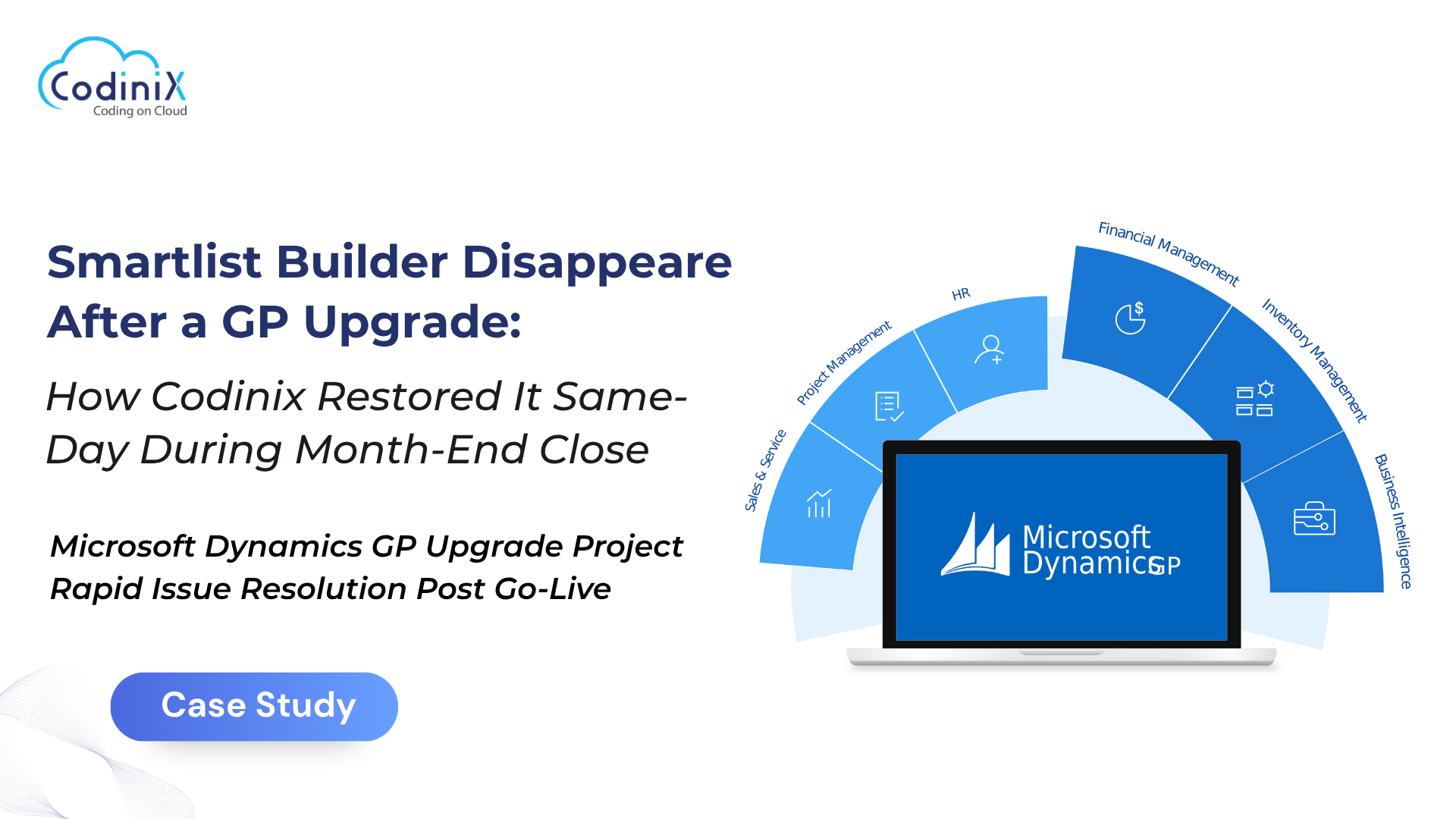
Smartlist Builder Disappeared After a GP Upgrade: How Codinix Restored It Same-Day During Month-End Close
Smartlist Builder Disappeared After a GP Upgrade: How Codinix Restored It Same-Day During Month-End Close
By Admin
29 Jun , 2026
Microsoft Dynamics
When the Books Won't Close: A Race Against the Calendar
There's never a good time for a production system to throw a curveball but the hours leading into a month-end financial close might just be the worst. That's exactly the scenario a U.S.-based client found themselves in shortly after completing a major Microsoft Dynamics GP upgrade. What should have been a seamless transition into a stable new environment turned into an urgent scramble when a critical reporting tool vanished without warning.
This is the story of how Codinix Technologies stepped in, diagnosed the problem, and restored full functionality all within a single business day.
The Setup: A Complex, Two-Server GP Environment
The client operated Microsoft Dynamics GP across a dual-server architecture: a GP/Database server handling the core application and SQL backend, and a Terminal (Citrix) server through which end users accessed the system remotely. As Microsoft Dynamics GP Consultants, the Codinix team was engaged to support the production upgrade end-to-end from environment access and configuration validation to post-go-live monitoring.
The upgrade itself completed on schedule. But the real test of any upgrade isn't go-live day. It's what happens next.
The Crisis: A Missing Tool at the Worst Possible Moment
Within hours of the production environment going live, the client's team flagged something alarming: Smartlist Builder had disappeared entirely from the GP interface. This wasn't a minor inconvenience. Smartlist Builder is a cornerstone reporting add-in for many GP users and for this client, it was actively relied upon during their month-end close.
The timing couldn't have been more pressure-filled. Financial teams were mid-process, working against hard deadlines. Every hour the tool remained missing was an hour of lost productivity and mounting risk to the close schedule. And because both the GP/Database server and the Terminal Server needed Smartlist Builder functional, the fix would need to be coordinated across two environments simultaneously.
Rather than applying surface-level fixes, the Codinix team went straight to the source. A detailed review of both server environments quickly pointed to the culprit: the Dynamics.ini configuration file.
This file acts as the gatekeeper for GP add-ins it tells the application which tools to register and load at startup. During the upgrade's file copy process, the Dynamics.ini had been handled in a way that stripped out the Smartlist Builder registration entries. The add-in wasn't broken or uninstalled; it simply wasn't being told to show up.
It was a precise, technical root cause and it required an equally precise fix.
The Fix: Coordinated, Verified, and Confirmed
With the root cause identified, the Codinix ;team executed a targeted correction across both production servers. The Dynamics.ini configuration was updated on both the GP/DB server and the Terminal Server, and Smartlist Builder was verified as fully operational in both environments.
Critically, the team didn't just fix it and move on. Screenshots of the corrected configuration were shared directly with the client's technical stakeholders, giving them full visibility into what was changed and why. This level of transparency characteristic of how strong MS Dynamics GP Services should operate meant the clients own team could verify the resolution and understand the fix for future reference.
End users were back to work. The close process resumed without further disruption.
Beyond the Fix: Staying the Course Through Go-Live;
Resolving the immediate issue was only part of the engagement. As Microsoft Dynamics GP Partners, Codinix understands that go-live support doesn't end when the fire is out. A structured post-go-live monitoring period followed:
Daily status check-ins kept the client's project stakeholders informed and reassured throughout the stabilization window.
Proactive outreach gathered feedback on GP performance and user experience after the upgrade.
The monitoring cadence continued through the agreed project timeline before formal sign-off was requested ensuring the client never felt unsupported during the critical post-upgrade period.
The Outcome: Closed Books and Confident Teams
The results spoke for themselves:
Same-day resolution: Smartlist Builder was restored on both production servers within the same business day the issue was reported minimizing disruption to the financial close and keeping the client's reporting timeline intact.
Root cause fixed, not just patched: The Dynamics.ini correction addressed the underlying configuration gap, eliminating the risk of the same issue recurring after future file operations.
Zero impact to the close window: Despite the urgency of the situation, the client's month-end process completed without reported delays or interruptions.
Documentation delivered: Screenshots, root cause explanation, and fix details were handed over to the client's technical team giving them a clear record and the knowledge to manage similar scenarios independently in the future.
Confidence through monitoring: Structured post-go-live check-ins gave the client's stakeholders confidence that system stability had been fully validated before the engagement formally closed.
The Takeaway
A production upgrade is only as good as the support behind it. When a critical reporting tool goes dark during a financial close, the difference between a costly disruption and a smooth recovery comes down to how fast and how accurately the support team responds.
Codinix Technologies brought technical precision, clear communication, and genuine accountability to a high-pressure situation and helped a client close their books on time. That's what hands-on Microsoft Dynamics GP expertise looks like when it matters most.
Codinix Technologies provides specialized Microsoft Dynamics GP consulting, upgrade support, and managed services for businesses that depend on reliable, high-performance ERP environments.





































Leave Your Thoughts!!